
-
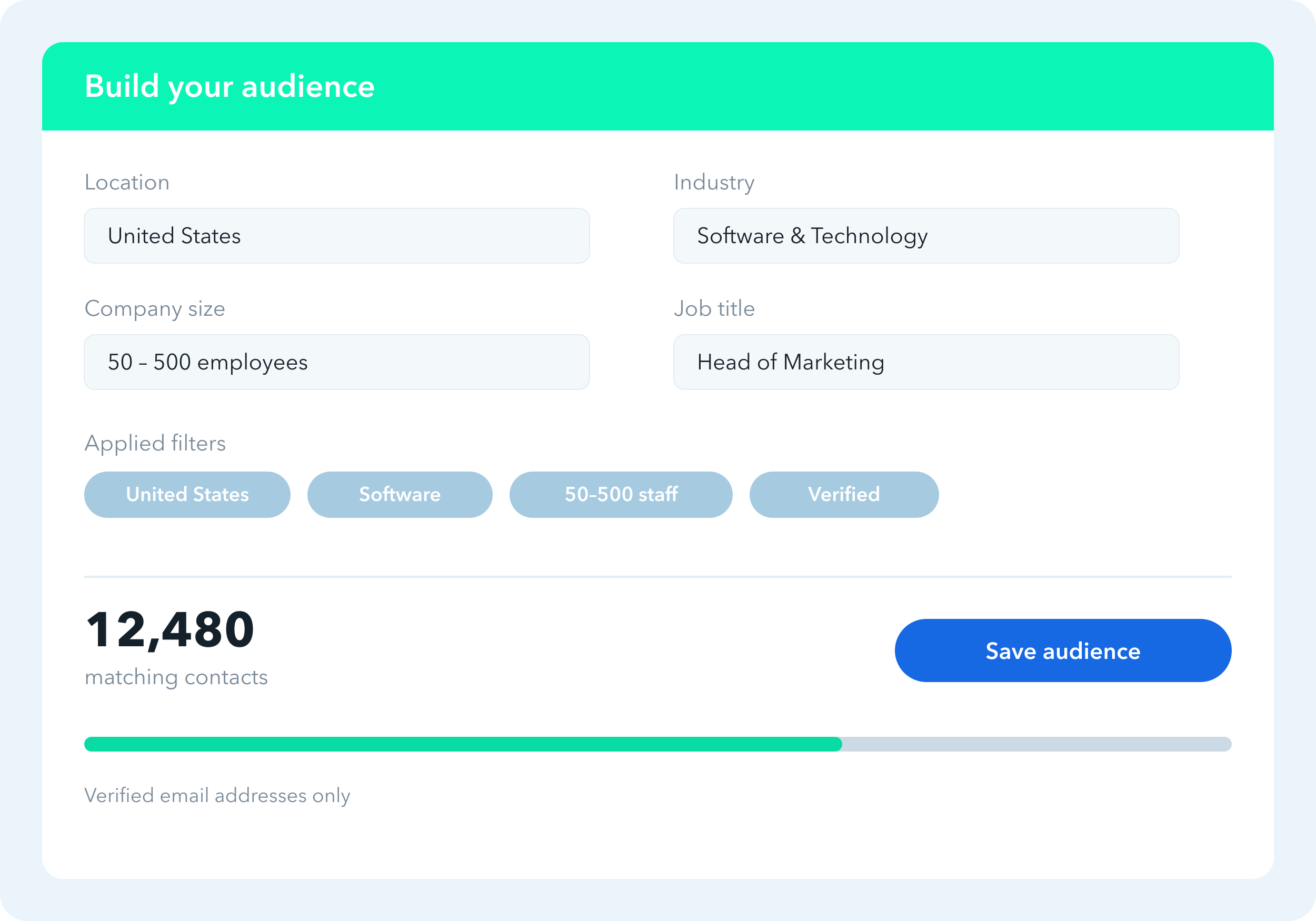
Identify your target audience
Find your ideal prospects using advanced filtering — by location, industry, company size, job title and more.
-
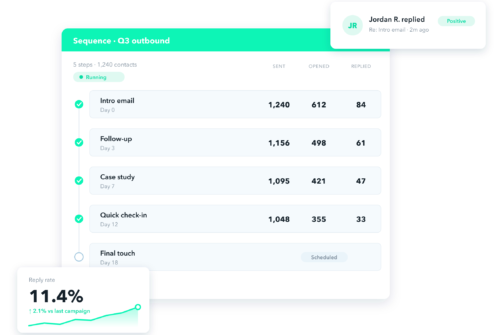
Run and track multiple campaigns
Run multiple campaigns at once to see what works best, and A/B test your approach to improve results.

-
Personalization at scale
Write once and personalize every message with merge tags — name, company, role and more — across your whole list.
-
Powerful multi-step campaigns
Build sequences with email steps, follow-ups and time delays, so prospects hear from you at the right moment.
-
Handle replies in a Smart Inbox
Manage every conversation in one place. Separate by campaign, label prospects, add notes, and filter unread.
-
Analytics with real-time data
Build custom reports on your results. Choose your timeframe and metrics, and export whenever you need.
Find your ideal prospects using advanced filtering — by location, industry, company size, job title and more.
Run multiple campaigns at once to see what works best, and A/B test your approach to improve results.

Write once and personalize every message with merge tags — name, company, role and more — across your whole list.

Build sequences with email steps, follow-ups and time delays, so prospects hear from you at the right moment.

Manage every conversation in one place. Separate by campaign, label prospects, add notes, and filter unread.

Build custom reports on your results. Choose your timeframe and metrics, and export whenever you need.
